







Tips for Creating a Cozy and Productive Home Workspace
Creating a home workspace that balances comfort and productivity can significantly improve your work-from-home experience. Whether you’re working remotely full-time or occasionally handling tasks from home, having an inviting and efficient area is key. Here are some practical tips to help you design a cozy and productive home workspace.
Choose the Right Location
The foundation of a good workspace begins with location. Ideally, select a spot that is:
– Quiet and Free from Distractions: Avoid areas with heavy foot traffic or noisy appliances.
– Well-Lit: Natural light boosts mood and alertness. Position your desk near a window if possible.
– Private but Accessible: Choose a space where you can focus but also easily participate in home life when needed.
If space is limited, consider multifunctional areas, like a corner of your living room or bedroom, and use screens or curtains to create separation.
Invest in Comfortable Furniture
Comfort is essential for long work sessions. Pay attention to:
– Ergonomic Chair: Supportive seating reduces strain and fatigue.
– Functional Desk: Enough surface area for your computer, notebooks, and essential tools.
– Adjustable Setup: If possible, use adjustable desks or accessories that allow you to switch between sitting and standing.
Remember to keep your monitor at eye level and your feet flat on the floor to maintain proper posture.
Optimize Lighting
Good lighting reduces eye strain and helps maintain focus. Consider these tips:
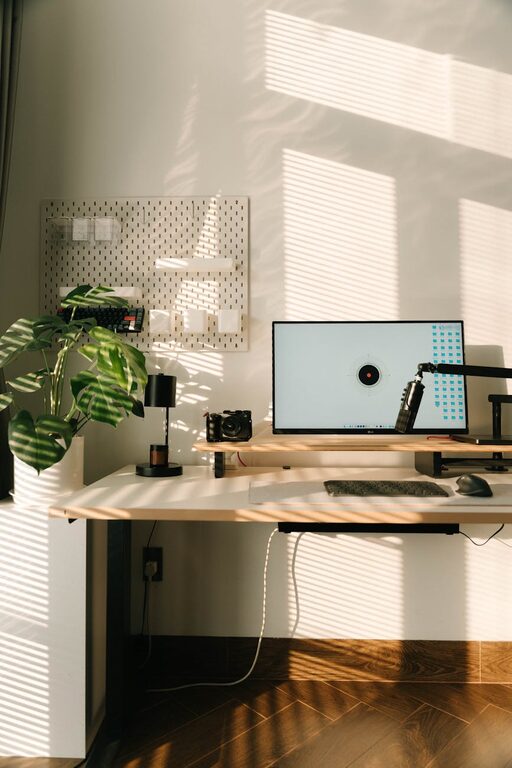
– Maximize Natural Light: When possible, use daylight as your primary light source.
– Use Task Lighting: A desk lamp with adjustable brightness can provide direct lighting for reading or detailed work.
– Avoid Glare: Position screens and lights so that reflections don’t interfere with your vision.
Soft, warm light can also make the space feel cozier, especially during early mornings or late evenings.
Personalize Without Cluttering
Add personal touches to make your workspace inviting, but keep clutter minimal to stay focused:
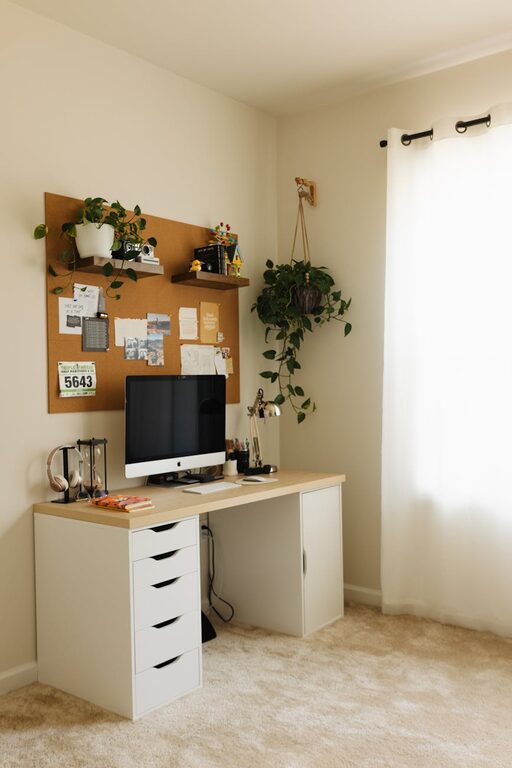
– Add Plants: Greenery improves mood and air quality.
– Incorporate Art or Photos: Choose calming images or inspiring quotes.
– Use Color Thoughtfully: Soft, neutral tones create a relaxing environment, while pops of color can energize.
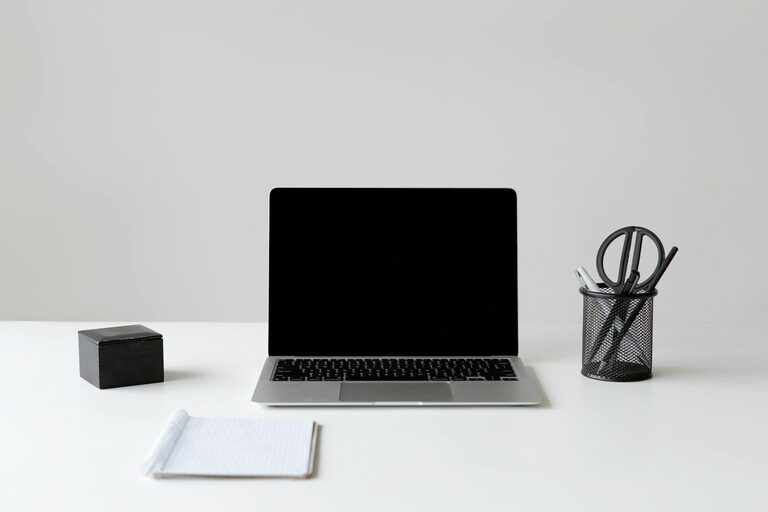
Avoid overcrowding your desk with too many items. Use organizers or shelves to keep things tidy and within reach.
Maintain Organization
A clean and organized workspace helps reduce stress and increase efficiency. Try these organization tips:
– Use Storage Solutions: Bins, trays, and drawers keep supplies out of sight but accessible.
– Cable Management: Use clips or sleeves to tame cords and prevent tangling.
– Create a Filing System: Digitize documents when possible and label physical files clearly.
Regularly declutter your workspace to maintain a calm and productive atmosphere.
Minimize Distractions
To stay on task, implement strategies to minimize interruptions:
– Set Boundaries: Communicate your work hours to family or housemates.
– Turn Off Notifications: Silence non-essential alerts on your devices.
– Use Noise Control: If background noise is unavoidable, consider noise-canceling headphones or soft music.
Taking short breaks can also help maintain concentration throughout the day.
Incorporate Comfort Elements
When you feel physically comfortable, your productivity and creativity often improve. Consider adding:
– A Cozy Throw or Cushion: Provides warmth and comfort.
– Temperature Control: Keep the space well-ventilated or use a fan or heater as needed.
– Accessible Water and Snacks: Staying hydrated and energized supports sustained focus.
Having these comforts nearby reduces the need to leave your workspace frequently, helping you stay in rhythm.
Set Up Technology Efficiently
A smoothly running workspace depends on reliable technology. Make sure to:
– Have a Strong Internet Connection: Essential for video calls and research.
– Use Quality Equipment: Invest in a good keyboard, mouse, and headset.
– Keep Devices Charged and Updated: Prevent frustration caused by technical issues.
Organize your digital workspace as well by keeping files well sorted and desktop clutter-free.
Establish a Routine
Finally, a productive workspace benefits from consistent habits:
– Start and End with Rituals: Begin your day by organizing your desk and end by tidying up.
– Schedule Breaks: Regular pauses help you recharge.
– Set Daily Goals: Clear objectives enhance focus and motivation.
A dedicated workspace helps reinforce the boundary between work and personal time, improving overall balance.
—
By thoughtfully designing your home workspace, you can create an environment that supports both comfort and productivity. Focus on light, ergonomics, organization, and personal touches to build a space where you enjoy spending time and getting work done efficiently.